Getting started
What is racerTS?
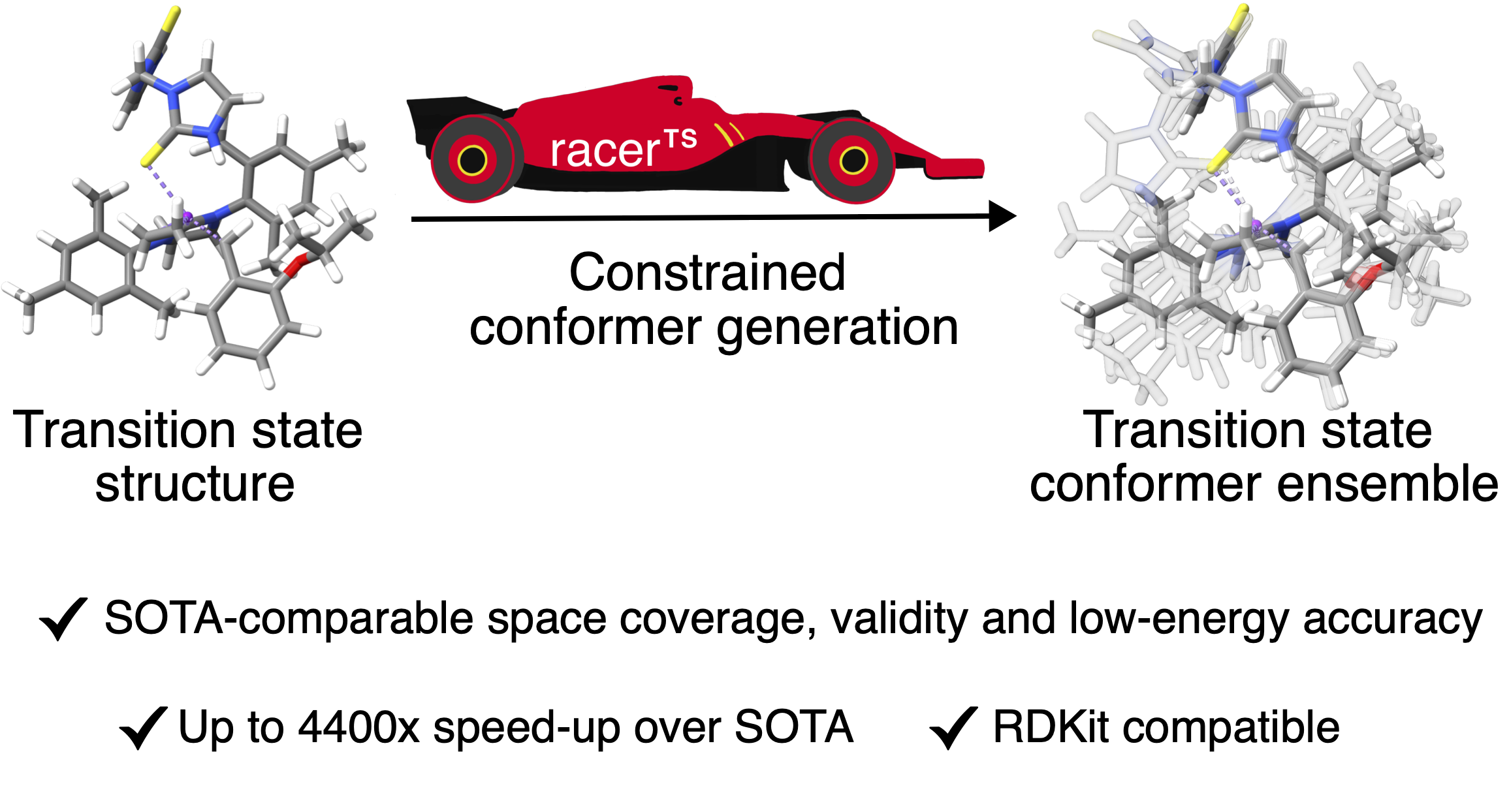
racerTS generates conformer ensembles for transition states (TS) using RDKit functions.
This documentation covers how to install and use racerTS, the command-line interface, and how to configure the individual components.
Installation
- Python 3.10+
- RDKit >= 2023.9.6 (installed automatically via pip dependency)
pip install racerts
pip install "racerts[ase]"   # optional: refinement with ASE calculators (xTB, MLIPs, ...)
pip install "racerts[yaml]"  # optional: pipeline settings as YAML files
Input format
- Input geometry must be an .xyz file of a TS structure (or .sdf/.mol with bonds)
- Reacting atoms are the atoms whose connectivity changes in the reaction
- Overall molecular charge
- Optionally, a SMILES for either product or starting material can be provided to define the topology around the TS
Quickstart (Python)
import racerts

# example.xyz is a single-geometry TS structure; reacting atoms are 0-based indices
ensemble = racerts.generate_ts("example.xyz", reacting_atoms=[2, 3, 4], charge=0)
ensemble.write_xyz("ensemble.xyz")
print(ensemble.summary())
generate_ts returns a ConformerEnsemble: the RDKit
molecule with its conformers (ensemble.mol), their energies and provenance. Settings
are passed as a PipelineConfig; tasks other than transition
states (ground states, constrained cores) are described in Pipelines and
tasks.
The legacy racerts API still works and gives the same ensembles:
from racerts import ConformerGenerator

cg = ConformerGenerator()
mol = cg.generate_conformers(file_name="example.xyz", charge=0, reacting_atoms=[2,3,4])
cg.write_xyz("ensemble.xyz")
Quickstart (CLI)
racerts ts example.xyz --reacting-atoms 2 3 4 --charge 0
racerts example.xyz --charge 0 --reacting_atoms 2 3 4   # legacy racerts form, same result
This will generate a pruned ensemble and write conformer_ensemble.xyz in the current directory by default.
Messages go through Python's logging (logger racerts): warnings are shown by
default; verbose=True (or -v, -vv on the command line) also shows progress.